


Getting Started and Logging In
What is the Client Portal?
The Core Inspection Client Portal is your online hub for viewing inspection records, equipment registers, and certificates. It gives you secure access to all the inspection data your provider has recorded for your organisation — including job history, equipment status, inspection results, photos, and downloadable reports.
Through the portal you can:
- View and search your Job Register — a record of all inspection jobs performed for your organisation
- View and search your Equipment Register — a complete list of your equipment with inspection status, due dates, and history
- Download inspection certificates and summary reports as PDFs
- Export registers to Excel/CSV for your own record-keeping
- View inspection photos and download attached documents
Depending on permissions set by your provider, you may also be able to upload attachments, change equipment locations, and archive equipment.
Logging In
There are two ways to access the Client Portal:
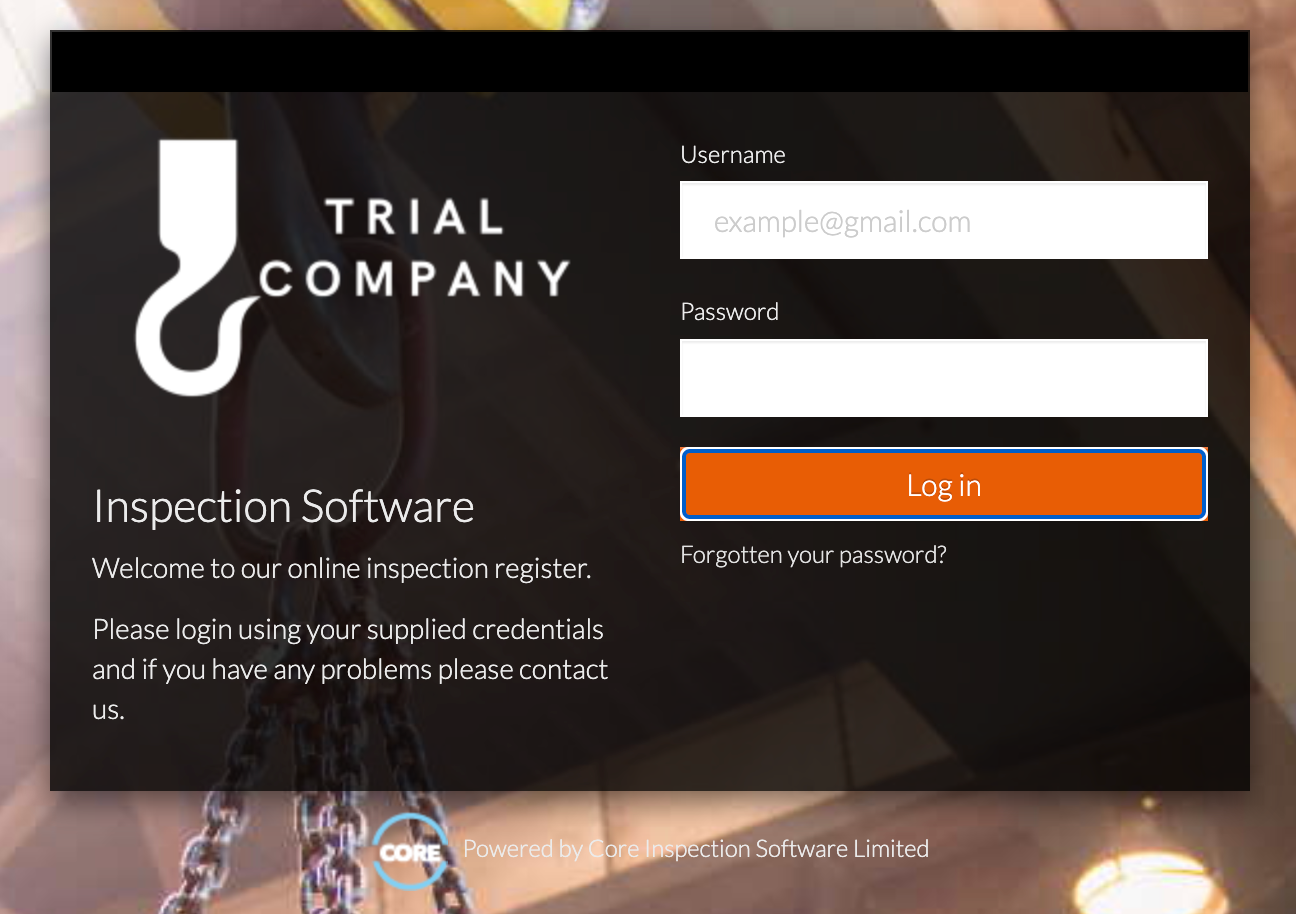
Option 1: Standard Login
Your inspection provider will supply you with:
- A login page URL specific to your provider
- A username (your email address)
- A password
- Open the login page URL in your web browser.
- Enter your email address in the Username field.
- Enter your password in the Password field.
- Click Log In.
Option 2: Auto-Login Link
Some providers will send you a direct login link (for example, in an email or message). Simply click the link and you will be logged in automatically — no username or password required.
Tip: Bookmark the login page or auto-login link in your browser for quick access in future.
After Logging In
Once logged in, you will see the main navigation menu at the top of the page with two primary sections:
- Job Register — view inspection jobs and their results
- Equipment Register — view your equipment and their inspection history
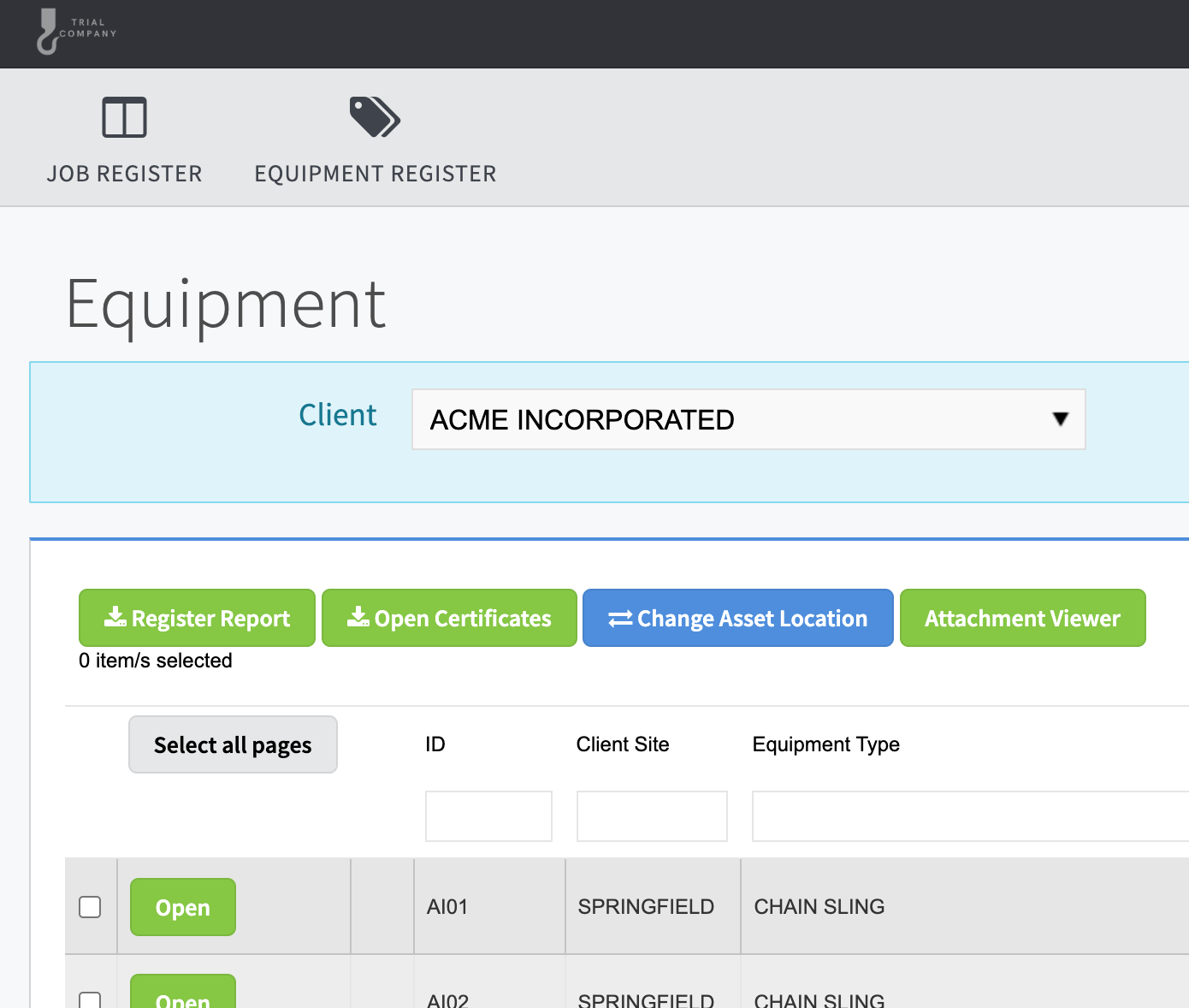
Click either option to get started. See the dedicated guides for each register for full details:
Troubleshooting
| Problem | Solution |
|---|---|
| I don't have login credentials | Contact your inspection provider and ask them to set up a Client Portal login for you. |
| My password isn't working | Double-check that you're using the correct email address. If the problem persists, contact your provider to have your password reset. |
| I can't see any data after logging in | Your provider may not have assigned any locations to your account yet. Contact them to confirm your account is set up correctly. |
| My auto-login link has stopped working | Auto-login links can expire or be regenerated. Contact your provider for an updated link. |